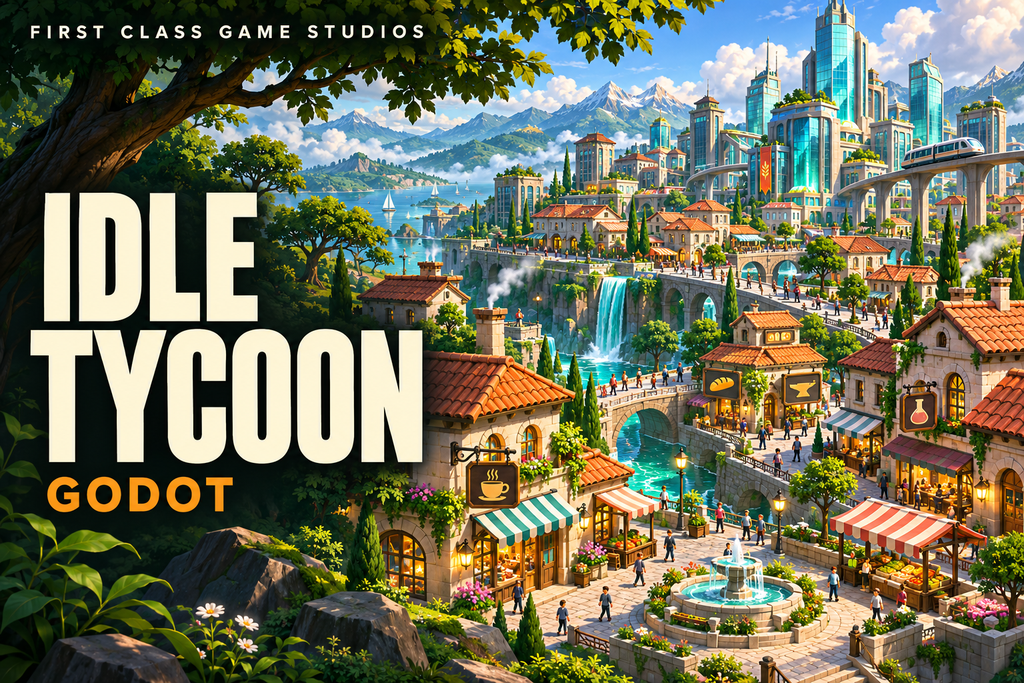
Learn Godot by Creating an Idle Business Tycoon Game
Create an idle business tycoon in Godot. Connect scenes, GDScript, signals, and store purchases into a growing game.
$ 19.99
19.99
USD
$ 19.99
| Responsible | Administrator |
|---|---|
| Last Update | 11/06/2026 |
| Completion Time | 2 hours 57 minutes |
| Members | 4 |
-
Learn Godot by making an Awesome Idle Tycoon Game (empty)22Lessons · 1 hr 40 min
-
Read first: Creating the Project and Setting up the SceneNew
-
Free Preview New
-
Read first: Learn to Set Variables and Update Labels Using GDScriptNew
-
Learn to Set Variables and Update Labels Using GDScript (11:41)New
-
Read first: Create a Button and Connect a Signal to Call a Method in the Panel NodeNew
-
Create a Button and Connect a Signal to Call a Method in the Panel Node (8:30)New
-
Read first: Create a Buy Button and Variable for Buying and Maintaining Store CountNew
-
Create a Buy Button and Variable for Buying and Maintaining Store Count (8:26)New
-
Read first: Use Conditional Statements to Prevent Buying a Store Without FundsNew
-
Use Conditional Statements to Prevent Buying a Store Without Funds (5:07)New
-
Read first: Improve the Store Interface and Add a Picture and Progress BarNew
-
Improve the Store Interface and Add a Picture and Progress Bar (8:39)New
-
Read first: Create A Popup Dialog Box to Warn the Player About Lack of FundsNew
-
Create A Popup Dialog Box to Warn the Player About Lack of Funds (8:12)New
-
Read first: Create Timer Nodes for Our Store Timer and Progress BarNew
-
Create Timer Nodes for Our Store Timer and Progress Bar (12:31)New
-
Read first: Expanding our Business Idle Game with Multiple Store TypesNew
-
Expanding our Business Idle Game with Multiple Store Types (7:27)New
-
Read first: Refactor our Store and Main Scenes to handle Multiple StoresNew
-
Refactor our Store and Main Scenes to handle Multiple Stores (9:52)New
-
Read first: Implement a Manager Function to Automate our Idle StoresNew
-
Implement a Manager Function to Automate our Idle Stores (15:17)New
-
-
Using Signals to Improve Game Architecture (empty)8Lessons · 45 min
-
Read first: QUICK LECTURE - Improve our Game Design Using Custom SignalsNew
-
QUICK LECTURE - Improve our Game Design Using Custom Signals (5:15)New
-
Read first: LONG LECTURE - Improve our Game Design Using Custom SIgnalsNew
-
LONG LECTURE - Improve our Game Design Using Custom SIgnals (15:06)New
-
Read first: Using Signals to Communicate Between Objects Using CallbacksNew
-
Using Signals to Communicate Between Objects Using Callbacks (14:56)New
-
Read first: Setting up a Modular Popup Dialog BoxNew
-
Setting up a Modular Popup Dialog Box (10:10)New
-
-
Data Management with Godot (empty)6Lessons · 31 min
-
Read first: Learn to Load our Game Data from a CSV FileNew
-
Learn to Load our Game Data from a CSV File (12:32)New
-
Read first: Dynamically Create Scenes at Runtime to Instance the StoresNew
-
Dynamically Create Scenes at Runtime to Instance the Stores (11:37)New
-
Read first: Learn How to Dynamically Load Pictures into our StoreNew
-
Learn How to Dynamically Load Pictures into our Store (6:54)New
-
GODOT · PROJECT-BASED LEARNING
Make your next game a learning experience.
Create an idle business tycoon in Godot. Connect scenes, GDScript, signals, and store purchases into a growing game.
Inside the course
- Read first: Creating the Project and Setting up the Scene
- Creating the Project and Setting up the Scene (4:28)
- Read first: Learn to Set Variables and Update Labels Using GDScript
- Learn to Set Variables and Update Labels Using GDScript (11:41)
- Read first: Create a Button and Connect a Signal to Call a Method in the Panel Node
- Create a Button and Connect a Signal to Call a Method in the Panel Node (8:30)
Cover artwork illustrates the project theme; it is not a screenshot of the course project.